
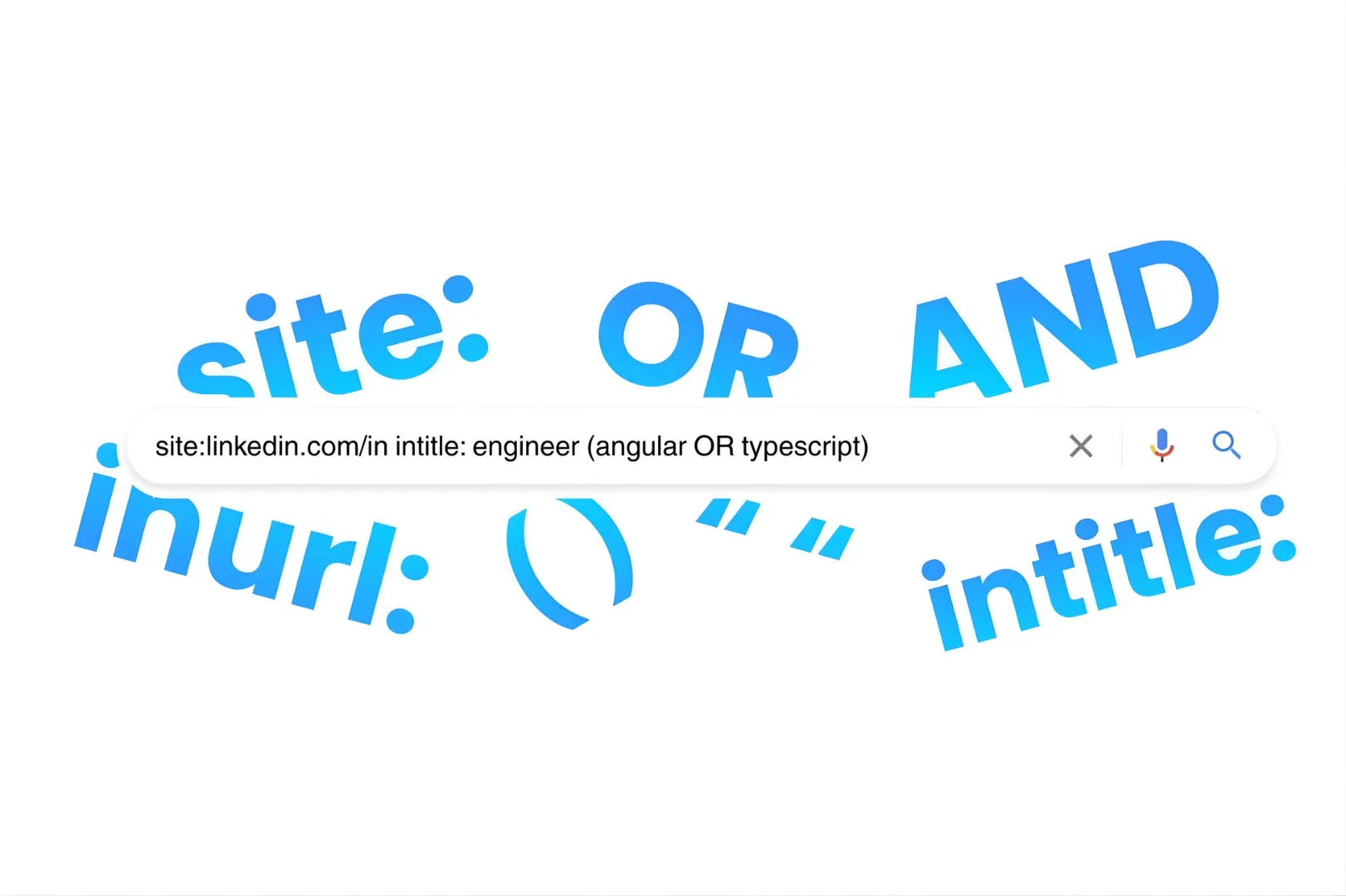
In a world where every recruiter is fighting over the same LinkedIn profiles, the most successful talent hunters are looking where others aren’t. They aren’t just browsing; they are “X-raying.”
If you’ve ever felt limited by a platform’s search filters or hit a “commercial search limit,” Google X-Ray search is your game-changer. This guide will take you from the absolute basics to technical mastery, helping you find hidden talent across the open web.
What is Google X-Ray Search?
At its core, Google X-Ray search is a technique that uses specific search operators to “look inside” a particular website from the outside (Google).
Instead of using a site’s internal search engine—which is often limited or gated behind a paywall—you use Google’s massive indexing power to find exactly what you need. For talent hunters, this means searching through LinkedIn, GitHub, Behance, or even niche industry directories without actually being logged into those platforms.
The Toolbox: Understanding Search Operators
To perform an X-ray search, you must master Boolean strings. These are combinations of words and symbols that tell Google exactly what to include or exclude. According to research on search behavior, using structured operators can reduce search noise by over 80%.
1. The “Where” Operators
site:– This is the foundation of X-raying. It restricts Google to a specific domain or subdirectory.- Context: To find people and not companies on LinkedIn, use the specific
/in/subdirectory. - Example:
site:linkedin.com/in(Only looks at personal profiles).
- Context: To find people and not companies on LinkedIn, use the specific
intitle:– Searches for keywords specifically in the page title. This is highly effective because users often put their primary identity (e.g., “Resume,” “CV,” or “Portfolio”) in the title.- Example:
intitle:resume "Software Engineer"
- Example:
inurl:– Looks for keywords within the website’s URL path. This is a “cheat code” for finding specific page types like/people/,/users/, or/cv/on non-LinkedIn sites.- Example:
site:behance.net inurl:projects "Graphic Designer"
- Example:
2. The Logic Operators (Boolean)
AND– Finds results that include both terms. Note that Google usually assumes AND between words by default, so you don’t always need to type it.- Example:
Developer AND Python
- Example:
OR– Finds results that include at least one of the terms. This is vital for “stacking” synonyms so you don’t miss a “Software Engineer” just because you only searched for “Developer.”- Example:
"Software Engineer" OR "Developer" OR "Programmer"
- Example:
NOT(or the minus sign-) – Excludes specific terms. This is the secret to a “clean” search. Use it to strip away job boards, training sites, or your own competitors.- Example:
-jobs -hiring -recruiter -udemy
- Example:
""(Quotations) – Forces Google to find an exact phrase in that specific order. Without these, Google might find “Project” on page one and “Manager” on page five.- Example:
"Project Manager"
- Example:
3. The Advanced Modifiers
()(Brackets) – Used to group your “OR” statements so Google applies logic in the right order. Think of it as math for recruiting.- Example:
site:linkedin.com/in (Python OR Java) "Backend Engineer"
- Example:
filetype:– Searches for specific document formats. This is the fastest way to find actual documents that candidates have uploaded to their personal sites.- Example:
filetype:pdf "Curriculum Vitae" "DevOps"
- Example:
*(Asterisk) – A wildcard that acts as a placeholder. It’s incredibly useful for titles that vary by seniority or location-based phrases.- Example:
"VP of *"(Finds VP of Sales, VP of Product, etc.) or"based in * New York"
- Example:
How to Make Your X-Ray More Targeted: Step-by-Step
A basic search is a start, but a targeted search is a hire. Here is how to organize your X-ray for maximum efficiency using a “layered” approach.
Step 1: Define the “Container”
Start by telling Google where the talent lives. This limits your search to high-intent platforms.
- LinkedIn Profiles:
site:linkedin.com/in(Ensures you are looking at individual profiles, not company pages). - GitHub (Developers):
site:github.com(Focuses on the world’s largest code repository). - Behance (Designers):
site:behance.net(Targets creative portfolios).
Step 2: Add the “Core Requirements” (Semantic Variations)
Add the job title and must-have skills. Professionals often use different variations for the same role. Use OR to catch them all.
- Draft:
site:linkedin.com/in ("Data Scientist" OR "ML Engineer" OR "Data Researcher") Python
Step 3: Filter the Location (Proximity Logic)
Be specific about the region to avoid irrelevant global results. For a broader reach, you can use the AROUND(X) operator to find keywords near each other, but simple location quotes work best for most.
- Draft:
site:linkedin.com/in ("Data Scientist" OR "ML Engineer") Python "New York City"
Step 4: Clean the Noise (The “Negative” Search)
This is where most recruiters fail. You need to exclude non-candidate pages like job listings, aggregator directories, and training profiles that clutter results.
- Final String:
site:linkedin.com/in ("Data Scientist" OR "ML Engineer") Python "New York" -jobs -hiring -recruiter -directory -course -training -udemy
Practical Examples for Various Scenarios
Scenario A: Finding a Specialized Tech Lead on GitHub
GitHub is about code, but the profiles hold the talent metadata.
site:github.com "joined on" "San Francisco" (React OR Angular) "Lead" -intitle:respositories
Context: Using “joined on” isolates user profile pages.
Adding-intitle:repositoriesensures you aren’t just looking at a list of code files.
Scenario B: Finding a Designer’s Portfolio (The “Independent” Search)
Many elite designers host their own sites rather than using platforms.
intitle:portfolio "UX Designer" ("London" OR "UK") -template -jobs -wordpress
Context: Excluding “template” and “wordpress” helps filter out theme sellers, leaving you with actual professional portfolios.
Scenario C: Finding Resumes Directly on the Web
This bypasses gated communities entirely to find raw contact information.
(intitle:resume OR inurl:resume) "Sales Manager" "Chicago" filetype:pdf -example -sampleContext: Excluding “example” and “sample” is critical here; otherwise, you’ll find thousands of resume writing service templates instead of real candidates.
Organizing Your X-Ray Strategy
To be truly effective, you should treat your X-ray strings as evolving assets.
- Build a Modular Library: Don’t just save full strings; save “modules.” Keep a list of “Exclusion Blocks” (e.g.,
-jobs -hiring -recruiter) and “Title Blocks” (e.g.,"Software Engineer" OR "Developer") that you can copy-paste into your recruiting CRM. - Iterative Refinement: If your first page of results is full of recruiters, identify a word they all have in common (like “Recruiting”) and add it to your
NOTfilter. A great X-ray search is often the result of 3-4 iterations. - Leverage AI for Boolean Construction: Use the best AI tools for candidate screening to generate lists of synonymous skills (e.g., “If I’m looking for AWS, what other niche cloud tools should I include in my OR statement?”).
- Track Your Success: Document which strings lead to the highest conversion rates. If a specific “GitHub X-ray” consistently yields high-quality leads, make it your team’s standard operating procedure (SOP).
FAQs: What Real Users are Asking
Q: Is X-Ray searching legal? A: Yes. You are simply using a public search engine to find publicly indexed information. However, always ensure your outreach complies with GDPR and local privacy laws.
Q: Can you use Google X-Ray searches outside of Google? A: Absolutely. While we call it “Google X-Ray,” the same Boolean logic works on Bing and DuckDuckGo. In fact, Bing often provides different results for LinkedIn profiles than Google, making it a great alternative if you feel you’ve exhausted your Google results.
Q: Why is Google X-Ray beneficial for recruiters? A: It levels the playing field. It bypasses expensive premium seat limits, allows you to find candidates who have hidden their profiles from internal site searches but not from search engines, and enables you to find niche communities (like specialized forums or university directories) that don’t have a “search” feature of their own.
Q: Does Boolean search always work? A: Boolean search is only as good as the keywords you provide. It is a “literal” tool; it won’t understand intent. If you search for “Java,” it won’t show you “J2EE” unless you use an OR operator. This is why semantic research is just as important as the string itself.
Q: Why do I get “Our systems have detected unusual traffic” from Google? A: If you run too many complex Boolean searches in recruitment too quickly, Google might think you are a bot. Slow down or solve the CAPTCHA to continue.
Q: Can I X-ray for email addresses? A: Yes, by adding string fragments like ( "gmail.com" OR "outlook.com" ) to your search, though results vary depending on user privacy settings.
Q: Does this replace LinkedIn Recruiter? A: Not entirely, but it is a powerful supplement. It helps you find “passive” candidates who may have optimized their profiles for Google but aren’t active on LinkedIn’s internal search. For more on this, see our guide on outbound vs inbound recruiting.
Conclusion
Mastering Google X-Ray search turns the entire internet into your personal talent database. It requires a bit of technical curiosity and a lot of practice, but the reward is access to a pool of talent your competitors simply cannot see.
Ready to take your sourcing to the next level? Combine your X-ray skills with a strategic talent acquisition mindset.
Contact RediRecruit to learn how we leverage advanced sourcing techniques to build world-class teams for our clients.